Executive Summary
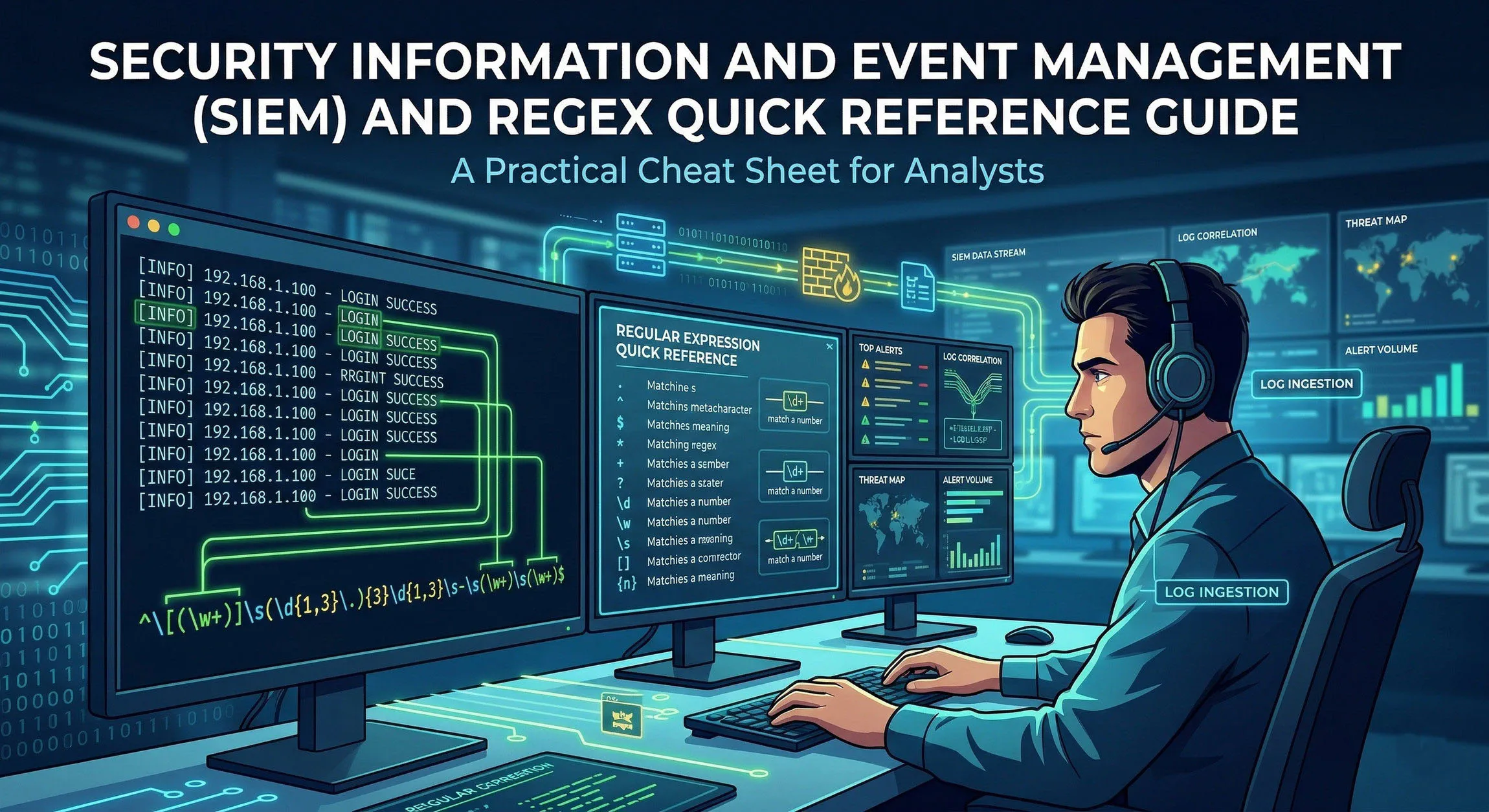
The following is a technical overview of SIEM architecture, data ingestion methods, and simple Regular Expression (Regex) examples for major platforms including Splunk, Microsoft Sentinel, IBM QRadar, and the Elastic Stack.
SIEM Fundamentals and Architecture
Modern SIEM platforms unify Security Information Management (SIM)—long-term storage and reporting—with Security Event Management (SEM)—real-time monitoring and correlation.
Data Ingestion Methods
To analyze security telemetry, SIEMs ingest logs via three primary methods:
- Agent-Based: Lightweight software (e.g., Splunk Universal Forwarder, Winlogbeat) installed on the endpoint to push logs securely.
- Agentless (Syslog/SNMP): Devices like firewalls and switches “stream” logs over UDP/TCP 514 to a centralized collector.
- API Ingestion: Cloud-native polling of services (e.g., Google Workspace, AWS CloudTrail) using secure tokens.
The Processing Pipeline
- Ingestion: Collection of raw, unstructured strings.
- Parsing/Normalization: Utilizing Regex to map raw text to a standard schema (e.g., mapping
src_ip,dest_port). - Correlation: Logic engines evaluate multiple events across time to trigger alerts (e.g., 5 failures + 1 success = Brute Force).
Universal Regex Syntax Cheat Sheet
| Symbol | Technical Function | Example Match |
|---|---|---|
^ / $ |
Line Anchors (Start/End) | ^CRITICAL / \.exe$ |
\d / \D |
Digit / Non-Digit | \d{4} (Year) |
\w / \W |
Word / Non-Word (Alpha-numeric + _) | \w+ (Username) |
\s / \S |
Whitespace / Non-Whitespace | \s+ (Delimiters) |
. |
Wildcard (Any character) | admin. |
+ / * / ? |
Quantifiers (1+, 0+, Lazy) | .*? (Minimal match) |
(?i) |
Case-Insensitivity Flag | (?i)Mimikatz |
(?<name>) |
Named Capture Group | (?<src_ip>\d+\.\d+\.\d+\.\d+) |
Security-Specific Regex Patterns (SOC Library)
Networking
- IPv4 Address:
\b\d{1,3}(\.\d{1,3}){3}\b - MAC Address:
([0-9A-Fa-f]{2}[:-]){5}([0-9A-Fa-f]{2}) - Port Number (0-65535):
\b(6553[0-5]\|655[0-2]\d\|65[0-4]\d{2}\|6[0-4]\d{3}\|[1-5]\d{4}\|[1-9]\d{0,3})\b
System & Identity
- Email Address:
[a-zA-Z0-9._%+-]+@[a-zA-Z0-9.-]+\.[a-zA-Z]{2,} - Windows File Path:
[a-zA-Z]:\\[\\\w\s.-]+ - SHA-256 Hash:
\b[a-fA-F0-9]{64}\b - HTTP Error Codes (4xx/5xx):
\b[45]\d{2}\b
Platform-Specific Implementations
1. Splunk (Search Processing Language - SPL)
Splunk utilizes the PCRE engine. Extractions often occur at search-time using the rex command.
- Extraction:
index=logs | rex field=_raw "src=(?<src_ip>\S+)" - Filtering:
... | regex _raw="(?i)attack_pattern" - Masking (SED):
... | rex mode=sed "s/\d{4}-/XXXX-/g"
2. Microsoft Sentinel (Kusto Query Language - KQL)
Sentinel uses the RE2 engine. The @ symbol is used for verbatim strings to avoid backslash escaping.
- Extraction:
| extend User = extract(@"user: ([^\s]+)", 1, RawData) - Filtering:
| where ProcessName matches regex @"^.*powershell\.exe$" - Parsing:
| parse Message with * "IP: " src_ip " Port: " port
3. IBM QRadar (Ariel Query Language - AQL)
QRadar utilizes Java-style Regex. Most extractions are handled in the Custom Property UI, but AQL supports runtime filtering.
- Filtering:
SELECT * FROM events WHERE payload MATCHES '.*(eval\|base64).*' - Case-Insensitive:
... WHERE username IMATCHES 'admin.*' - UI Mapping:
(?P<field_name>pattern)used in the DSM Editor.
4. Elastic Stack (Painless & Grok)
Elastic utilizes Grok patterns (pre-defined Regex) and Painless scripting for runtime fields.
- Grok Shortcut:
%{IP:src_ip} %{WORD:verb} %{URIPATHPARAM:request} - Painless Match:
if (doc['message.keyword'].value =~ /error/) { ... } - ES|QL:
... | WHERE message LIKE /.*malware.*/
Correlation Rule Logic Examples
Brute Force Detection
- Logic: Count distinct
EventID=4625(Failed Login) perSource_IP. - Threshold: > 10 events within 60 seconds.
- Follow-up: Match
EventID=4624(Successful Login) from the sameSource_IPwithin 5 minutes.
Impossible Travel (Geo-Velocity)
- Event A: Successful VPN login from
IP_1(Location: New York). - Event B: Successful VPN login from
IP_2(Location: London). - Regex/Scripting: Extract Geo-coordinates -> Calculate Distance / Time Delta.
- Condition: If
Speed > 500mph, trigger Critical Alert.
Web Shell Execution
- Regex:
filename=".*?\.(php\|jsp\|asp\|aspx)" - Correlation: Match above with
Process_Name="whoami"orcmd.exeoriginating from the web server process (e.g.,w3wp.exeorapache2).
About the Author Sam Jobes, CISA-CISSP, is a 20-year information security veteran specializing in enterprise security architecture, GRC automation, and building scalable infosec programs for high-growth technology companies.